
How to Vet a Hotel Key Card Factory in China
12 supplier questions, a sample-test protocol, a video-tour checklist and importing basics (Incoterms, HS codes) for vetting a key card factory in China.

A guest holds a room key card for a few seconds at check-in, then again every time they head back to the room. That is a small window, but it is one of the few physical objects a hotel fully controls the design of, from front desk to guest folio.
Most properties treat the card as an afterthought and order whatever the printer defaults to. The ones that get noticed treat it as a small piece of branded product design.
Here are seven decisions worth getting right before a print run goes into production. Start with a CR80 design template, then confirm the final card dimensions, material and finish with the card specification for your order.
The back of a card is useful space for practical guest information. Wifi login details, checkout time, the front desk extension, or a partner discount all belong somewhere on the card. Guests dig through a drawer looking for exactly this information, and the card is already in their hand.
A key card gives you roughly the space of a business card, viewed for a couple of seconds in low hallway lighting. Clutter loses to hierarchy every time: one strong logo placement, one clear accent color, and enough contrast that the property name reads at a glance.
A key card that does not match the hotel's actual color palette looks like it came from a different business. If a specific PMS color code matters for your brand, say so explicitly and ask your vendor for a physical color proof rather than approving colors on a screen, since the same file can print differently across materials and finishes.
Thin decorative scripts look elegant in a mockup and disappear at small sizes. Pick a typeface and weight that holds up when printed at the actual card dimensions, and test it against the card's background color before finalizing artwork.
Texture and material communicate before a guest reads a single word. A card's weight and finish shape a guest's first impression of the property just as much as the logo does, and eco-conscious travelers increasingly notice the material a card is made from.
| Material | Feel | Best for |
|---|---|---|
| PVC | Smooth, glossy, familiar | Properties prioritizing print detail and low cost |
| Degradable PVC | Same look and feel as standard plastic | Properties evaluating an additive PVC option and its supporting material evidence |
| Wood veneer | Warm, tactile, distinctive | Boutique and eco-positioned properties |
Leave room in the artwork for sequential numbering, a QR code or a property-specific tagline, so later print runs can use the same layout. If you are considering a custom shape or a matching card holder, include it in your inquiry: tooling, finishing and quantity per design can change the quote.
Use the front and back templates to mark your trim, bleed and safe area. Include the artwork files, quantity for each design, intended card material, required arrival date and delivery destination with your inquiry. Confirm the printing and delivery terms before approving the order.
A printed proof helps you review color, text and finish; the card must also pass the agreed test in your own encoder and locks. Ask which sample format is available and confirm its charges, shipping and timing before arranging it.
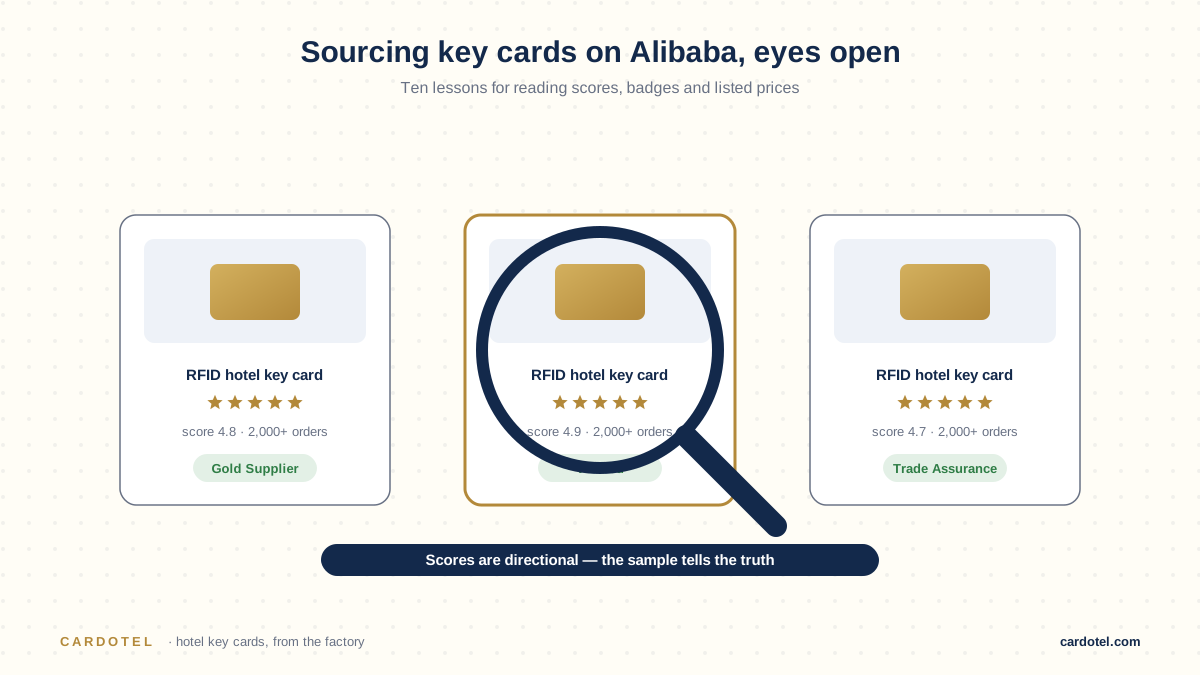
12 supplier questions, a sample-test protocol, a video-tour checklist and importing basics (Incoterms, HS codes) for vetting a key card factory in China.

A practical 10-point quality checklist for hotel key cards, covering materials, print accuracy, functional testing, encoding, and packaging before you ship.
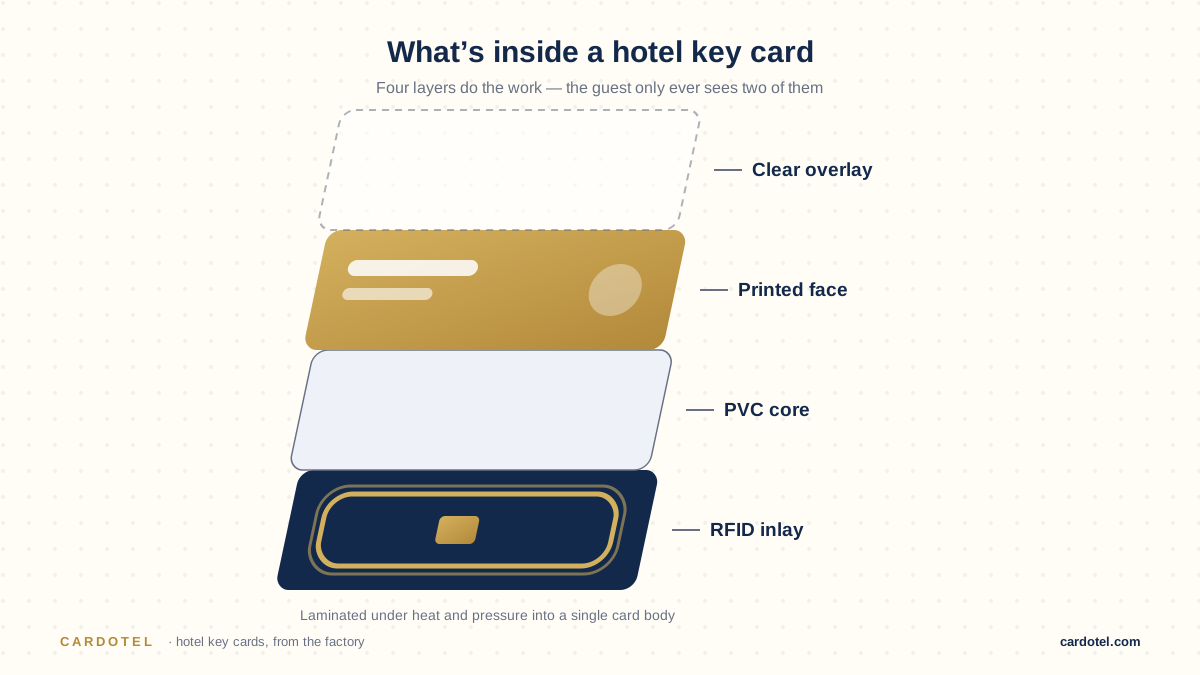
Compare PVC, wood, bamboo and paper hotel key card construction. Check layers, print, moisture, RFID performance and evidence before requesting a quote.