
MIFARE Cards Explained: A Practical Guide for Hotels
A practical guide to MIFARE cards for hotels: how they work, the Classic, Plus, and DESFire variants compared, and which one fits your property.
Reordering key cards from a new supplier without knowing your current chip type is how hotels end up with a box of cards that won't open a single door. It happens more often than procurement teams like to admit, because most people never had a reason to look inside their own key card until something goes wrong.
Knowing your card's technology also has a direct cost impact: RFID cards typically run meaningfully more expensive than plain magnetic stripe cards, and within RFID, chip type affects both price and lock compatibility. Here's how to identify what you're actually working with, using methods that range from a quick visual check to a proper lab test.
Flip the card over. A magnetic stripe card has a visible black, silver, gold, or brown stripe running across the back. If there's no stripe at all, you're holding an RFID card, and the credential lives inside the plastic rather than on the surface — usually inside a standard PVC card body regardless of chip type.
RFID chips operate on one of three frequency bands, and hotel locks overwhelmingly use one of them:
HF at 13.56 MHz dominates hotel lock systems because it offers a good balance of memory capacity, security, read range, and cost. UHF is technically capable of a longer read range but is rarely used for hotel doors — if you find one in a hotel setting, it's worth double-checking with your lock vendor, since it's unusual.
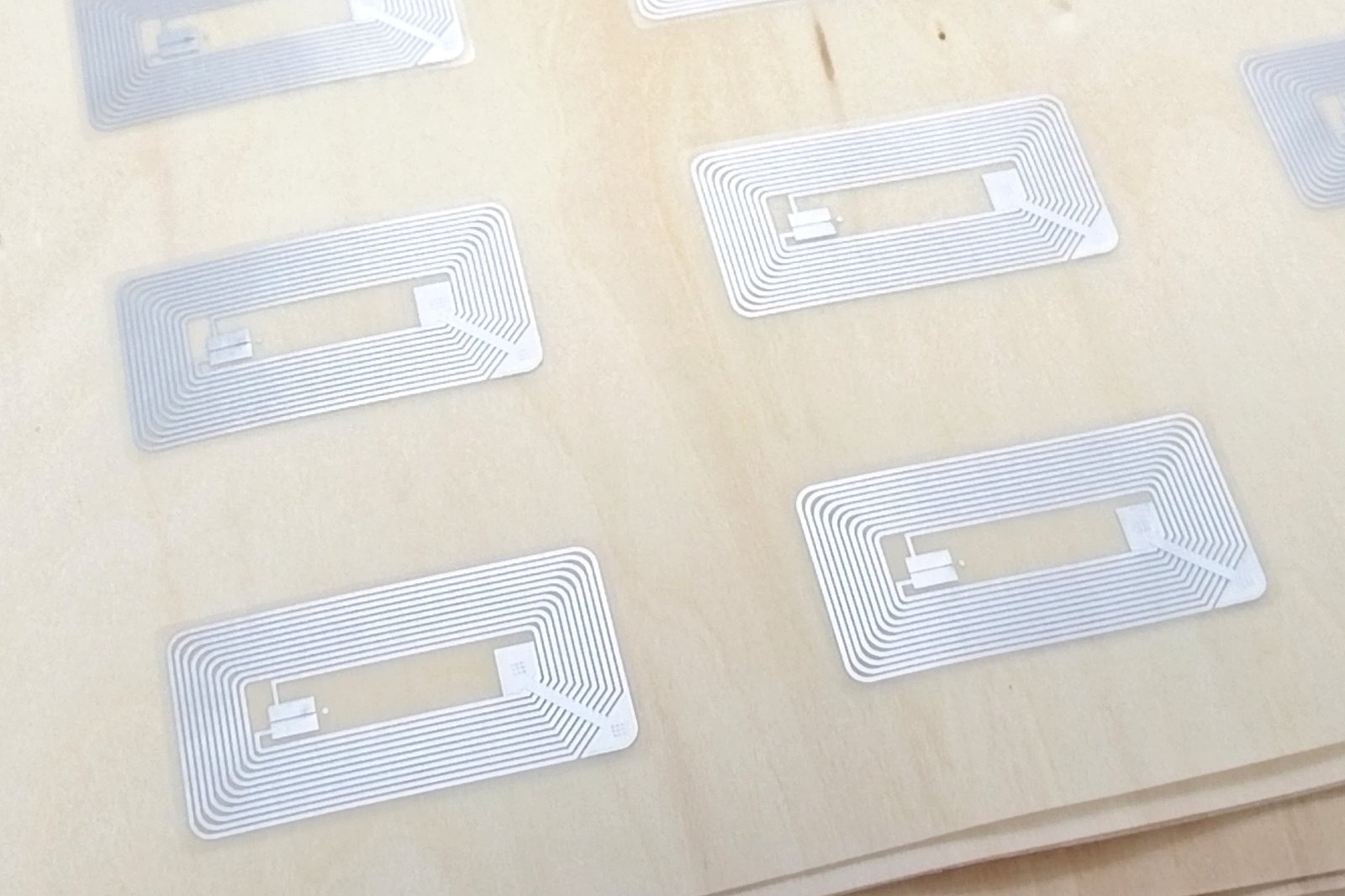
Hold the card up to a bright light and look for the antenna coil pattern inside the plastic. This isn't perfectly reliable — treat it as a fast first read, not a final answer:
Most modern smartphones support NFC, which can read HF chips directly. Install an NFC tag-reading app, tap the card, and check the reported IC type. Test several cards — some unused, some already in guest circulation — since a single card could be a fluke. Keep in mind NFC phones only detect HF chips; if a card looks like it has an HF antenna but the phone gets no response, the chip may actually be a different frequency, encrypted by the lock manufacturer, or simply damaged.
LF, HF, and UHF readers are all available as standalone hardware with accompanying software. If you suspect HF, confirm your reader supports all three common protocols (ISO 14443A, ISO 14443B, and ISO 15693), since a reader limited to one protocol can miss a valid HF card. Connect the reader, run the vendor's demo software, and check that multiple sample cards return a consistent chip type.
For a final, authoritative answer — especially before placing a large order — sending a handful of cards to a specialist or lab removes any ambiguity. This is also the point at which you should request several sample cards from any new supplier and test them against your actual lock hardware before committing to a bulk order.
| Band | Frequency | Typical antenna | Common in hotel locks? |
|---|---|---|---|
| LF | 125 kHz | Large round copper coil | Occasionally, mostly older systems |
| HF | 13.56 MHz | Rectangular copper or etched aluminum coil | Yes — the dominant standard |
| UHF | 840–960 MHz | Long aluminum strip | Rare |
Always request sample cards and test them against your actual locks before placing a bulk order, regardless of what a supplier's spec sheet claims. Cross-check compatibility against your specific lock brand's documentation where available, and watch for suppliers offering a "compatible" chip at a lower price than an authentic one — it may work, or it may cause reliability problems that only show up after installation across hundreds of doors. Our FAQ covers common compatibility questions if you're switching lock brands entirely.
Check the back of the card. A visible magnetic stripe means magstripe; no stripe means the card is RFID, with the chip embedded inside the plastic.
HF at 13.56 MHz is the dominant standard across major lock brands, thanks to its balance of memory, security, and cost.
An NFC-enabled smartphone with a tag-reading app can identify HF chips directly, though it can't detect LF or UHF chips.
A new supplier's cards need to match your lock system's chip type and protocol exactly. Ordering the wrong one at scale can mean an entire shipment that won't open your doors.
Not sure which chip your locks need? Send us your current card for testing, or request free samples across chip types from Cardotel.

A practical guide to MIFARE cards for hotels: how they work, the Classic, Plus, and DESFire variants compared, and which one fits your property.
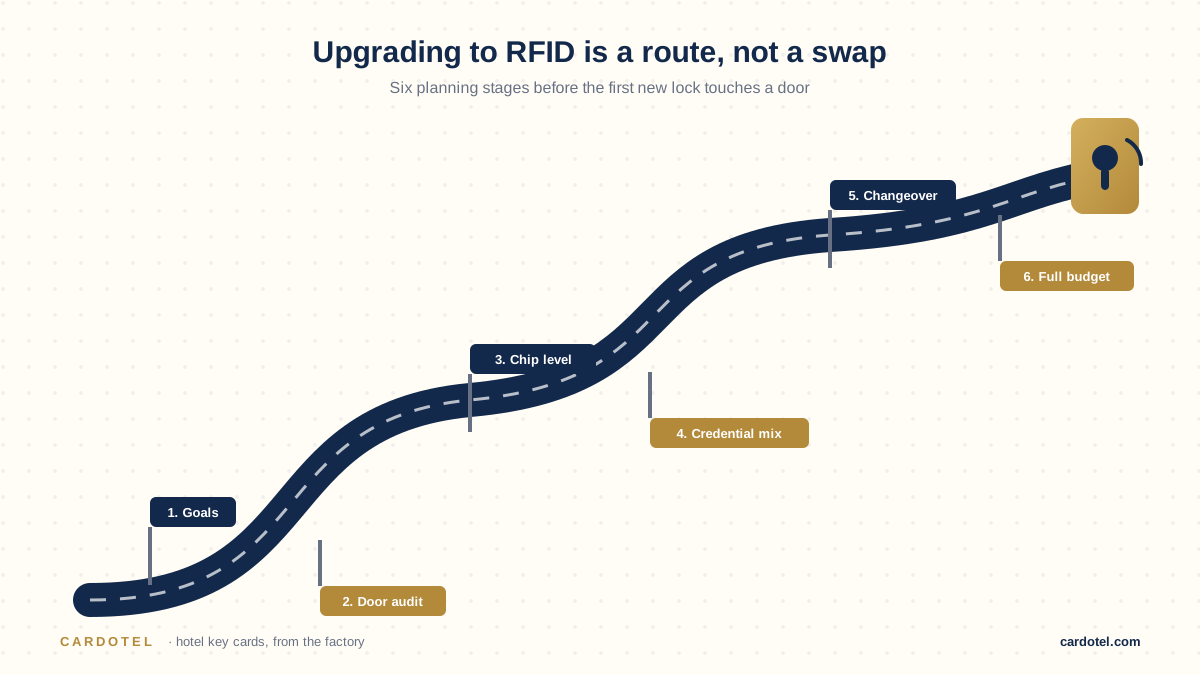
A step-by-step planning checklist for upgrading hotel locks to RFID, covering budgeting, credential choices, staff training, and rollout timing.

A clear look at why hotels keep switching to RFID door locks, from lower long-term costs to better durability and a foundation for mobile keys.
Start your order
Send your lock brand and quantity — you will get a factory-direct quote and a free sample pack to test in your own locks before you commit.